Product Updates
It’s now possible to update Remote Desktop servers directly from the platform! We understand the challenges involved in periodically updating Windows servers, especially when accessing each machine individually.
To address this, a new subsection called “Updates” has been added within the Remote Desktop subscription. This feature enables you to perform, from the platform, the same Windows Update actions as you would by accessing the server directly—but in a centralised and more efficient manner.
This simplifies the management and scheduling of Windows Updates on Remote Desktop servers. Have a look!
Where to Manage Windows Updates?
To schedule and manage Windows Updates on a Remote Desktop server, navigate to:
Remote Desktop Subscription > Updates
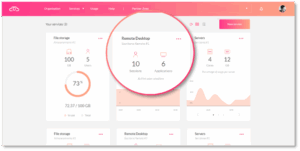
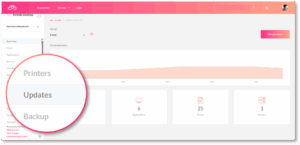
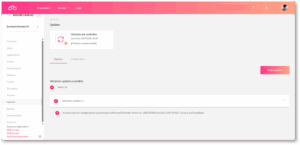
Each time you access this section, the platform automatically performs a check for pending updates on the servers linked to the Remote Desktop subscription, listing them as available updates.
More Information and Next Steps
In response to our partners’ needs, Jotelulu continues to update and enhance its services to make management simpler, faster, and more efficient. This new feature focuses on streamlining maintenance and update processes for deployed environments.
If you need more details on this functionality, please contact our team at growth@jotelulu.com.
We hope this new feature proves helpful. Let’s go!

April 30, 2025
